Date range
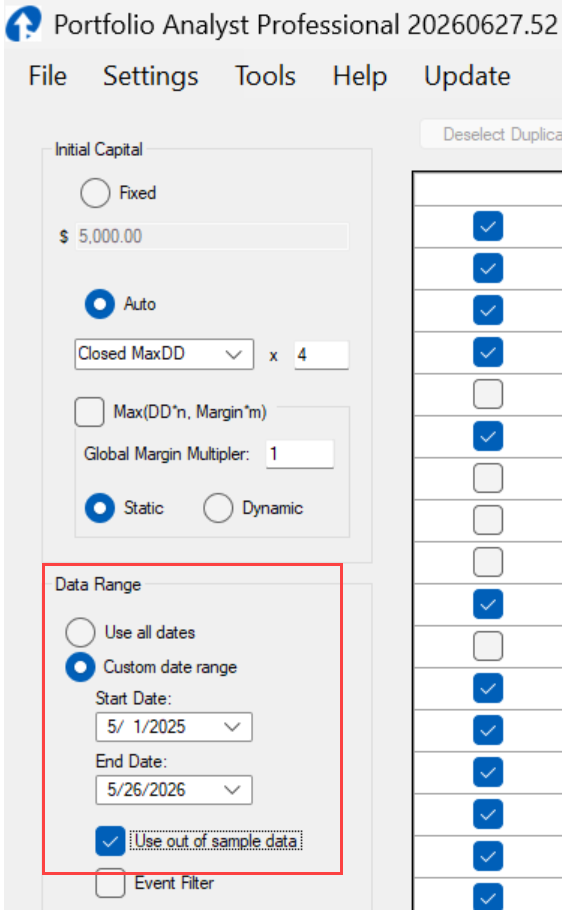
1) One can use all date range to use all the date range of your Portfolios.
2) Custom date range can be used. Proved your start and End data here.
Data Range
Reports will only use the data between these dates.
Use out of sample results
It is wise to put more of your focus to out of sample results, as systems have higher proability of failure out of sample than in sample.
Requires use of PortfolioAnalyst1.61_RealTime.eld (or later version)
Lets say you have some systems with out of sample results from 2015, but others from 2024.
If looking at only out of sample results, there is not much point comparing results when the time periods differ so much.
It would be better to choose the date of the newest out of sample date as an additional filter.
So shown in reports will only be systems with OOS >2025.5. Any systems with no OOS defined will not be shown.
to setup the PortfolioAnalyst1.61_RealTime.eld on a chart, look here.